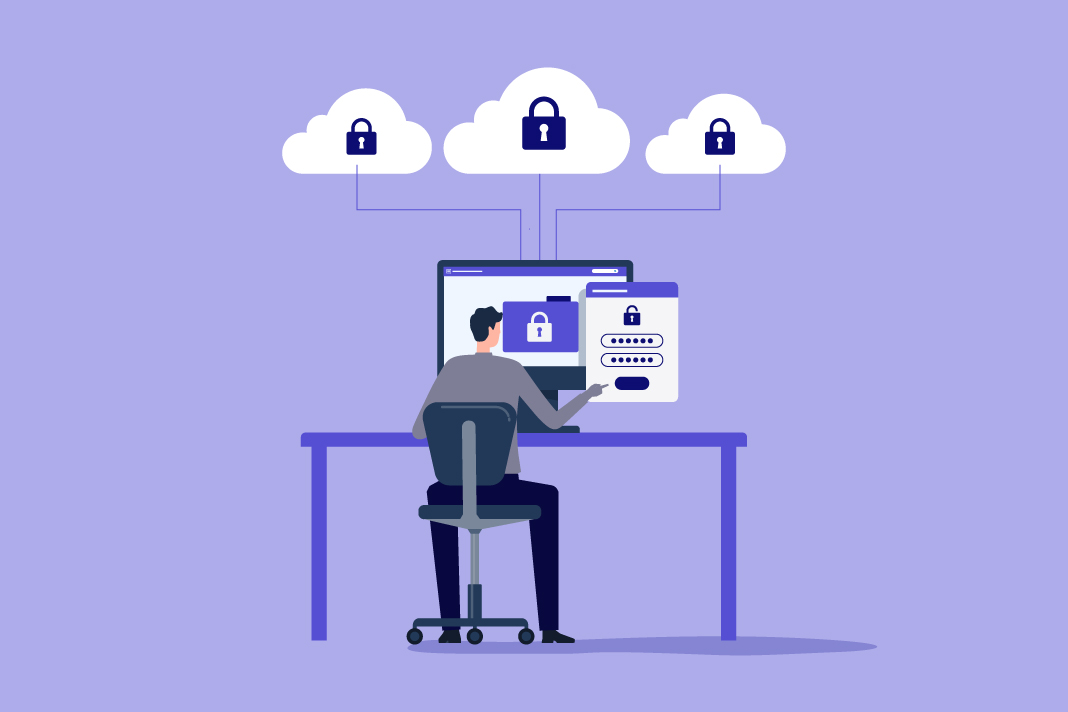


Everyone blames the 2004 software. The real legacy problem is the habit of leaving users permanent administrators, and it is the one piece of the stack that an IT team can retire this quarter.
We spend a lot of time blaming old software for the admin-rights problem. AutoCAD wants elevated rights to touch its license files. QuickBooks wants to write to its database as the system. Some line-of-business app from 2004 won’t launch without a local admin token. All true, and I’ve written about it before. The applications are only part of it, though. Most users need elevation just a few times a week or month, for updates, drivers, business applications, troubleshooting, or maintenance. Because those requests are scattered and unpredictable, IT leaves standing admin rights in place rather than managing the exceptions.
Developers get the most generous version of the deal. They install SDKs and development tools, often after hours, so they end up with permanent admin almost by default. But that story lets the rest of us off the hook a little too easily. The application isn’t the only legacy thing in the room. The way most organizations manage privileged access is just as old, and it’s the part they can actually fix.
Here’s what managing admin rights looks like at most small and mid-sized organizations I’ve seen, and I’ve seen a lot of them, after endpoint deployments across roughly 4,000 organizations and close to two million devices. There are three tools in play, and none of them was really built for this job.
The first is the standing local admin account. Somebody needs to install software or run that 2004 app, so they get dropped into the local administrators group and left there. It’s fast and it works, and it’s also a permanent open door. That account doesn’t go away when the task is done. It sits on the endpoint every day, waiting.
The second is a patchwork of Group Policy and LAPS. GPO can wrangle local group membership and lock down some settings, but building real per-application elevation through Group Policy is a part-time job nobody on a two-person IT team has time for, and it breaks quietly. LAPS gets sold as the answer, but look at what it actually does. It rotates the password on the local admin account. That’s useful. It isn’t privilege management. You still have a standing admin account on every machine. You’ve just made its password harder to reuse.
Also Read: Attackers Aren’t Hacking In. They’re Logging In.
The third tool is the help desk, used as a manual elevation engine. A user needs to run something, they call, and a tech either walks them through it or remotes in and types the admin password. Multiply that by a few hundred endpoints and a stack of apps that demand elevation, and your help desk spends its week granting access instead of solving problems. Worse, that same process is exactly what social engineers target. Attackers call the help desk with a good story. The reason it works is that the help desk has the keys and the habit of handing them out.
So that’s the legacy stack. Standing admin, brittle GPOs, a password rotator, and a help desk doing manual elevation. It persists for a different reason than the old apps do. The apps stick around because they were built just for the business, or would be too expensive and complex to replace. The process sticks around because it was free or already there, and replacing it never made it to the top of the list. I get it. But be honest about what it is. It’s a set of tools and processes built around the assumption that some users just need to be administrators all the time. And that assumption is the thing attackers are counting on.
Ransomware operators don’t break down the front door anymore. They get one credential, then they go looking for admin rights to move sideways and push their payload out to everything. A standing local admin account is what turns one compromised laptop into a company-wide event. Your legacy apps didn’t cause that. Your legacy way of granting access did.
The fix isn’t another enterprise security platform you can’t staff. It’s changing the default. Instead of leaving users in the admin group, you remove standing admin entirely and elevate individual approved tasks only when needed, then automatically revoke those rights once the task is done. The user runs their app. The help desk stops being the escalation desk. And there’s no permanent admin account for an attacker to find, because there isn’t one sitting there anymore.
Also Read: The New Boardroom Problem: How Do You Measure AI’s ROI?
Here are a few ways to do this that don’t require a big project.
Find your standing admin accounts. Pull a list of who’s in the local administrators group across your endpoints. Most teams are surprised by the length of it, and by how many people needed to install one thing back in 2022.
Kill the shared local admin password next. If more than a couple of people know a single admin password, you don’t have privileged access control; you have a rumor. This is the LAPS-shaped hole. Rotating the password only helps if you’re also removing the standing access behind it.
Then take the elevation off the help desk. Every request that comes in as “can you make me an admin real quick” is one that should be an approved, logged, temporary elevation instead. That’s the change that shrinks your attack surface and your ticket queue at the same time.
None of this waits on a software vendor to rewrite decades of code. The old apps aren’t going to change. But the tools you use to live with them can, and that’s the part that’s actually in your control. Stop treating standing admin as the cost of doing business. It’s the one piece of your legacy stack you can retire this quarter.